
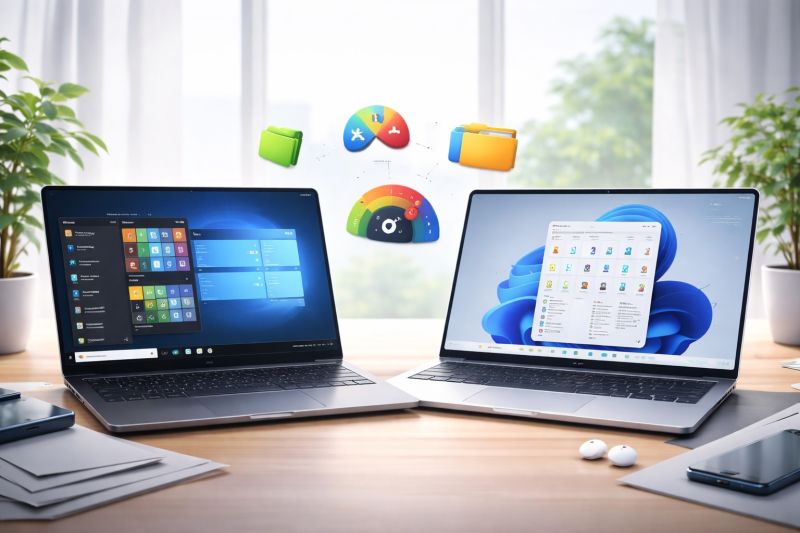
Windows 11 continues to evolve, but many users still question whether it truly improves on Windows 10 in practical daily use. In this second comparison, we take a closer look at the user interface, personalization options, sound experience, gaming differences, usability concerns, and benchmark insights to help you decide whether upgrading is worth it.
Start Menu Behavior
- Windows 10 places installed applications directly in a visible list on the left side of the Start Menu, making everything straightforward to find.
- Windows 11 reorganizes this approach and requires opening an additional section to view the full app list. For some users this feels modern, but for others it adds unnecessary extra steps.
Personalization Limitations
- In Windows 10, choosing an accent color also changes the color of the Start Menu and certain UI elements.
- Windows 11 restricts this customization. The Start Menu color remains unchanged, making personalization feel more limited.
Taskbar Positioning and Flexibility
- Windows 10 gives users freedom. You can move the taskbar left, right, top, or bottom.
- Windows 11 centers everything by default and removes the ability to reposition the taskbar freely. This is visually neat, but reduces flexibility many long-time users relied on.
UI Design and Visual Appearance
- Windows 11 adopts softer rounded corners and a smoother visual style, creating a modern premium feel.
- Windows 10 keeps its sharp, angular look. While functional, it feels more traditional compared to Windows 11’s updated visual identity.
Transparency Effects
- Transparency in Windows 10 appears stronger and more noticeable across UI elements.
- Windows 11 supports transparency, but in a more subtle and sometimes barely noticeable way, which may disappoint users who enjoy visual flair.
Folder and Icon Updates
- Windows 11 introduces redesigned folder icons for documents, music, pictures, and more.
- Windows 10 keeps its classic yellow folder look. While icons can be customized manually, the default experience is visually older.
Right-Click Menu Changes
- Windows 11 introduces a modern right-click menu with a “Show More Options” button, which reveals deeper legacy functions such as extract, advanced file actions, etc.
- Windows 10 displays everything directly, which many users find faster for productivity.
Sound Effects Evolution
- Windows 11 refreshes the system sound theme with smoother, softer tones, while Windows 10 uses more “sharp” classic alert sounds.
- The difference gives Windows 11 a calmer and slightly more premium audio identity.
Drag-and-Drop to Taskbar Limitations
- A meaningful downgrade reported by many users is drag-and-drop behavior.
- On Windows 10, users can drag files directly into minimized apps via the taskbar.
- On early Windows 11 builds, this did not work at all, breaking workflow productivity for creators and professionals. Improvements have been rolling out gradually, but not everyone has seen full consistency yet.
Android App Support Reality
Windows 11 originally promised native Android app capability. However, in many regions and systems, this feature is still not truly available without additional steps. For many users, it remains more “marketing promise” than everyday reality.
Gaming & Benchmark Performance
When tested using popular benchmarks and gaming scenarios, Windows 11 can show slightly better performance in some hardware setups, especially newer CPUs such as Ryzen 5 3600XT and above.
However, several users still encounter bugs, instability, and inconsistent gaming performance depending on drivers and system compatibility. In short, performance gains exist, but do not apply universally.
Final Recommendation
If your system is stable on Windows 10, upgrading to Windows 11 is still something to carefully consider rather than rush into.
Ensure your hardware supports TPM 2.0, DirectX 12 Ultimate, HDR-capable displays (if needed), and always create a full backup before upgrading. For users who already upgraded clean-install, the experience may be smoother, but upgrading via update has proven risky for some.
Windows 11 brings design improvements, modern UI, subtle sound refresh, and evolving features. However, it still carries bugs, missing functions, and occasional instability depending on hardware and workload.