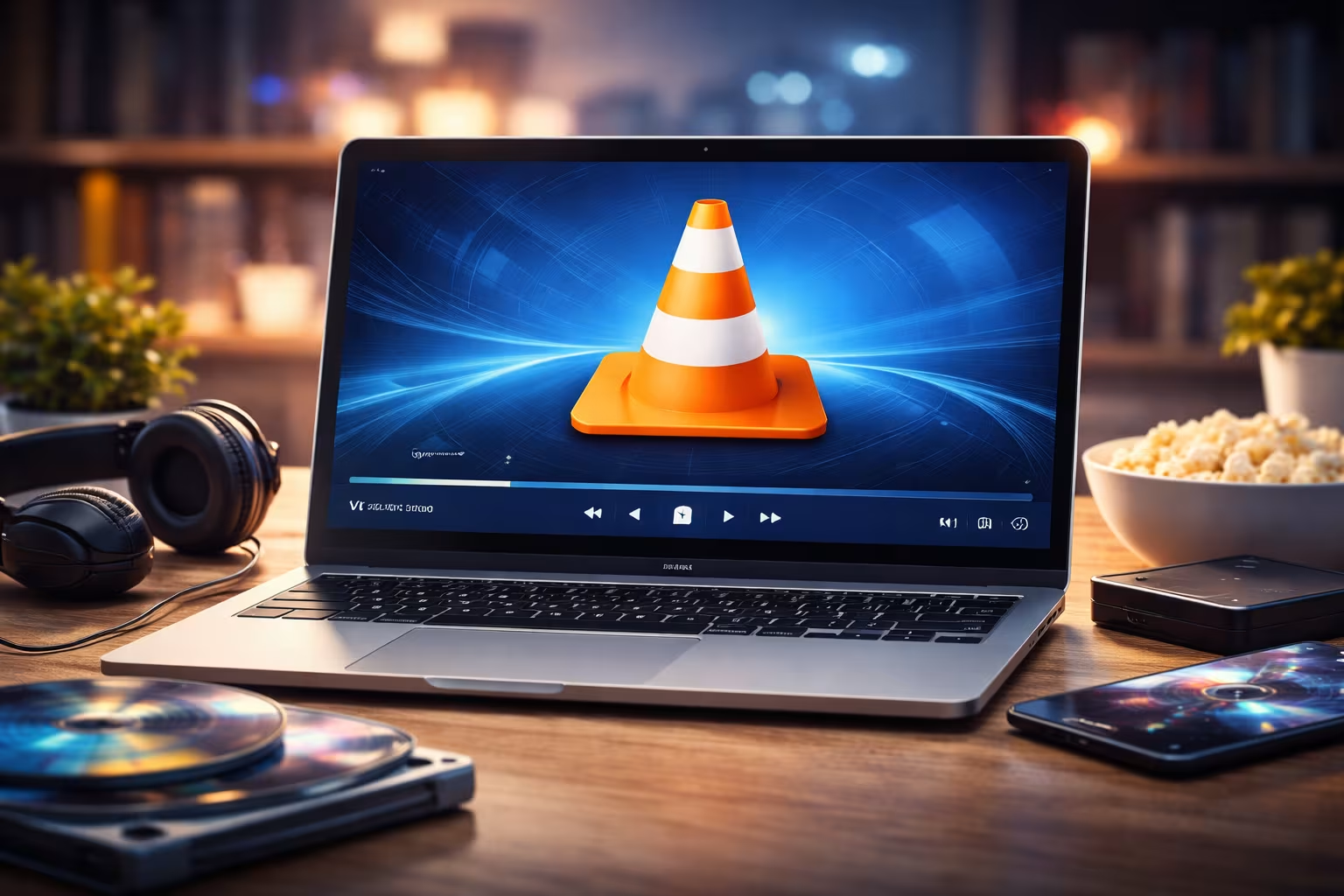
When people search for the best free media player, one name consistently appears at the top of the list: VLC Media Player.
Developed by the VideoLAN project, VLC has earned its reputation as one of the most reliable, powerful, and versatile media players available today.
Unlike many alternatives, VLC is completely free, open-source, ad-free, and capable of playing almost any media format without extra downloads. Whether you watch movies occasionally or manage a large multimedia library, VLC remains a top choice for users worldwide.
What Makes VLC Media Player So Popular?
VLC’s popularity comes from one simple promise: it just works.
One of VLC’s biggest strengths is its ability to play nearly all audio and video formats without requiring additional codecs. Formats such as MP4, MKV, AVI, MOV, FLV, MP3, and many lesser-known file types run smoothly right after installation.
Beyond format support, VLC is also:
- Completely free and open-source
- Available on Windows, macOS, Linux, Android, and iOS
- Lightweight and fast, even on older systems
- Free from ads, trackers, and bundled software
- Regularly updated with security and stability improvements
- For many users, these factors alone make VLC an essential application.
- Simple Interface, Powerful Features
At first glance, VLC looks simple—and that is intentional. However, behind its clean interface lies a surprisingly powerful set of tools.
With VLC, users can:
- Customize audio using equalizers and filters
- Adjust subtitle timing, synchronization, and appearance
- Stream media from URLs, local networks, or IPTV sources
- Record screens and capture media
- Convert video and audio formats
- Play damaged or partially downloaded files
Advanced users can also extend VLC’s functionality using plugins and extensions, making it suitable for both casual viewers and power users.
Streaming and Network Media Support
VLC is not limited to local playback. It is also a highly flexible streaming tool.
Users can:
- Play online streams using direct URLs
- Access media from network drives and shared folders
- Stream content across devices
- Use VLC as a basic media server
This versatility makes VLC useful not only for home entertainment, but also for education, presentations, and professional environments.
Excellent Subtitle and Language Support
Subtitle handling is another area where VLC clearly stands out.
VLC allows users to:
- Load external subtitle files easily
- Automatically search and download subtitles
- Adjust subtitle timing to fix sync issues
- Customize font, size, color, and background
For international viewers and language learners, this level of control significantly improves the viewing experience.
Security, Privacy, and Reliability
Unlike many free media players, VLC has a strong reputation for security and transparency.
Because VLC is open-source:
- Its code can be audited by the global developer community
- Vulnerabilities are identified and patched quickly
- There are no hidden ads or background processes
Regular updates ensure long-term reliability, making VLC one of the safest choices among free multimedia players.
Limitations You Should Know About
While VLC is extremely capable, it is not perfect.
Some common drawbacks include:
- The interface can feel outdated compared to modern media players
- Advanced features are often hidden in menus and may confuse beginners
- It lacks automatic media library artwork scraping found in some premium players
These are mostly usability trade-offs rather than functional weaknesses, but they are worth considering.
Who Should Use VLC Media Player?
VLC is an excellent choice for:
- Users who want a free and reliable media player
- People who play many different file formats
- Users who value privacy and security
- Anyone who wants advanced features without paid software
For users seeking heavy media library management or a highly modern UI, other players may feel more polished—but they often come with ads or paid upgrades.
Final Verdict: Is VLC Media Player Worth Using?
Yes—absolutely.
VLC Media Player remains one of the best free media players available today. Its unmatched format support, powerful features, strong security record, and zero-cost model make it a must-have application for nearly any device.
Whether you watch movies occasionally or rely on media playback daily, VLC delivers a stable, powerful, and ad-free experience without compromise. You can download VLC Player here:
VLC for Android: Download
VLC for Win32: Download
VLC for Win64: Download
VLC for MacOS: Download
See our post Best Setting For Movies using VLC Tutorial